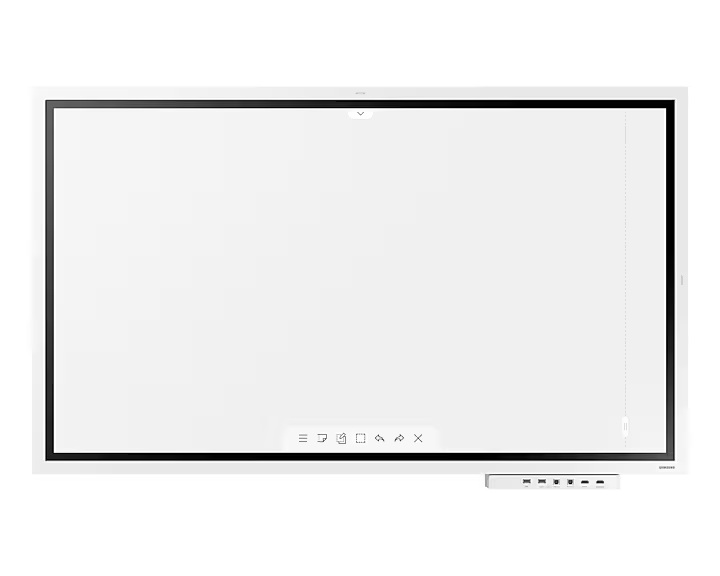
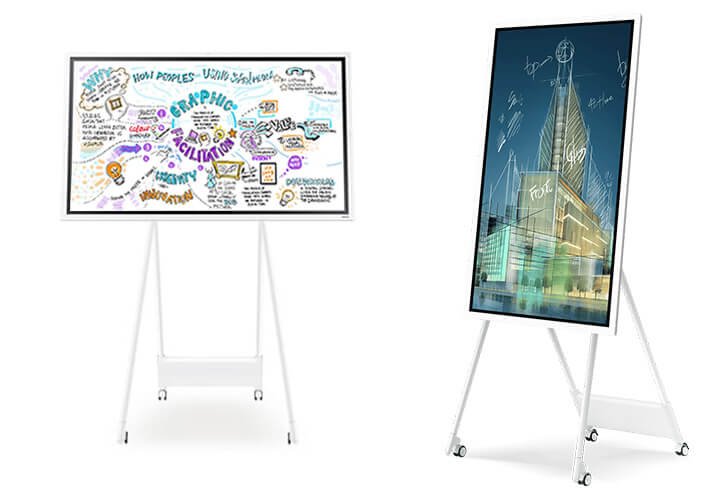
Samsung The Flip 65 Inch WMFX 65 LH65WMFWBGCXEN
CHAT WITH US


OR CALL : +357 25 345 488
Installation Cost (carrying appliance via steps not included)
Due to Global Shipping Delays ask for availability and delivery timeframe before you order.
Features
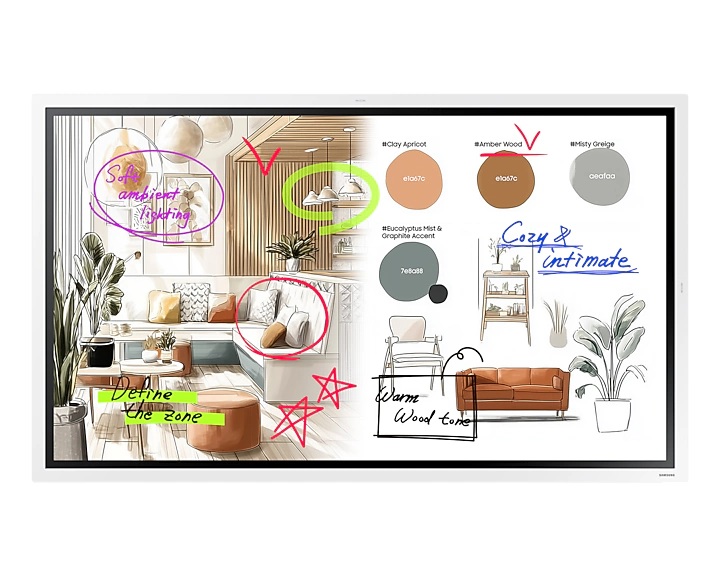
Unlimited collaboration possibilties


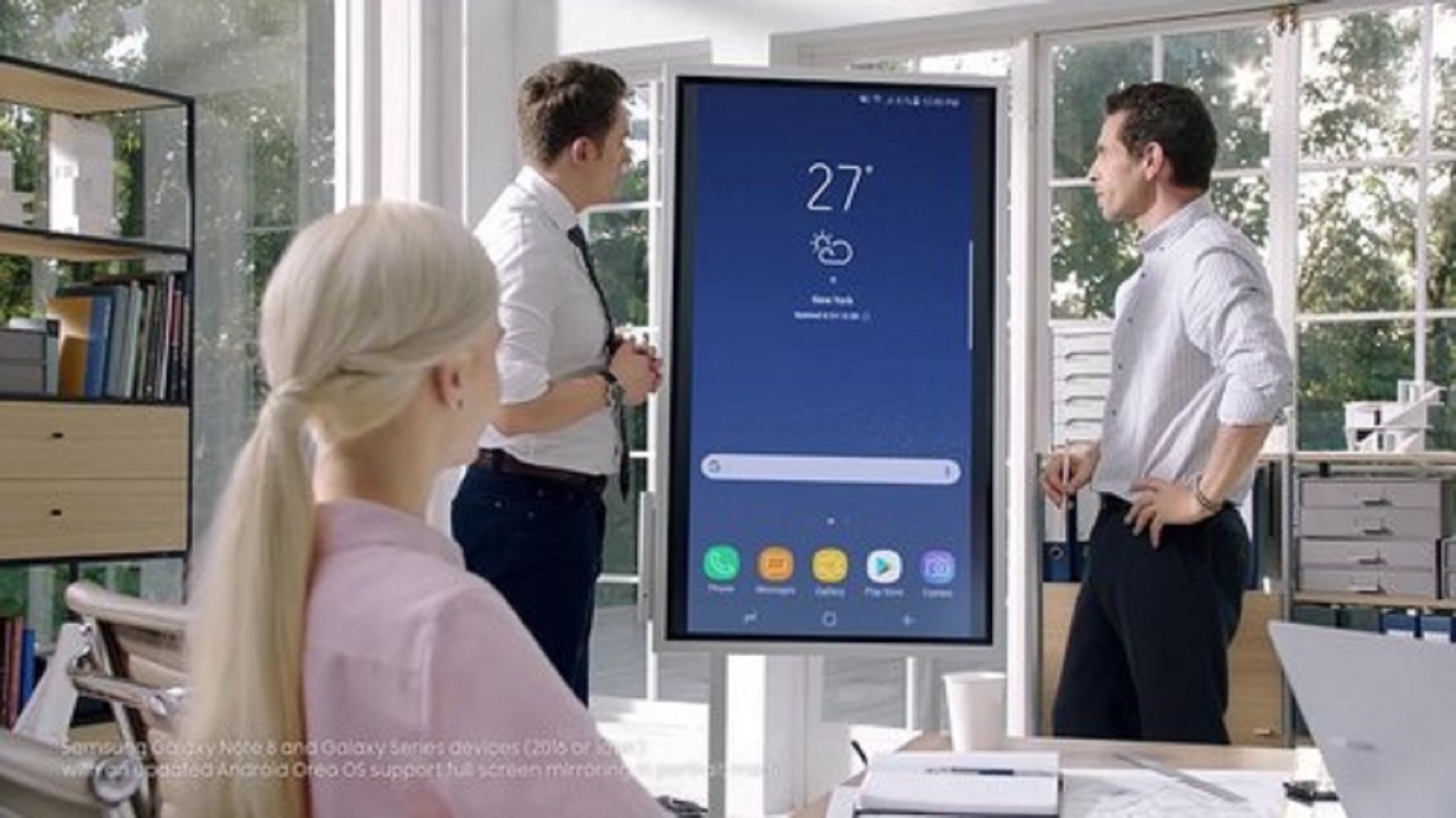
* This is a staged image for illustrative purposes only. ** The stand is sold separately.
Key features at a glance


Experience writing at a higher standard
Natural & Precise Writing
The Flip offers smooth and accurate pen performance, bringing writing closer to real ink. With 26ms response speed and 2,048 pressure levels, strokes flow naturally, translating ideas instantly onto the screen. Flexible Erasing allows intuitive corrections with hand or palm, maintaing seamless flow.


* This is a staged image for illustrative purposes only.
Share your ideas instantly and clearly
Enhanced Whiteboard
The enhanced Whiteboard App makes every note and sketch editable, enabling you to freely move or resize content with retained clarity and detail. The AI Writing Tool allows direct input of handwritten text into search fields and automatically refines rough shapes into clean, professional graphics.


Your favourite tools, all in one place
Flip Home
Flip Home keeps your frequently used apps — Whiteboard, Note On, Workspace, or Screen Share — right on the screen, exactly where you want them. Customise your toolbar once, and every meeting becomes smoother and more efficient, with quick access to the tools your team relies on.


Reliable performance and enterprise-grade protection
Samsung Knox Security
Keep every discussion and idea secure. Backed by Samsung Knox, The Flip provides multi-layered protection against unauthorised access and data leaks. From boot-up to shutdown, critical business content stays safe, allowing teams to collaborate with confidence — even in connected environments.


Take notes instantly, anywhere on the screen
Annotation On
Users can quickly write on the screen at any moment, thanks to the easily accessible Annotation function. Whether watching a video or browsing online, there’s no need to interrupt the session or take screenshots. This feature makes real-time collaboration effortless.


View more. Do more.
Easy Multitasking
Boost meeting efficiency with Easy Multitasking, displaying multiple windows on one screen. Multi-window modes let you review documents, browse the web, and take notes simultaneously — no screen switching needed.


Collaborate between screens with wire-free speed
SMARTVIEW+
Make collaboration seamless with wireless screen sharing across multiple devices ㅡ up to 9 ㅡ allowing you to quickly switch between them with a single click.


* Windows, Android, and iOS are supported.** Speed and stability may vary depending on various factors such as network connection environment and settings, and the number of connected devices.
Present from any Apple device — no cables needed
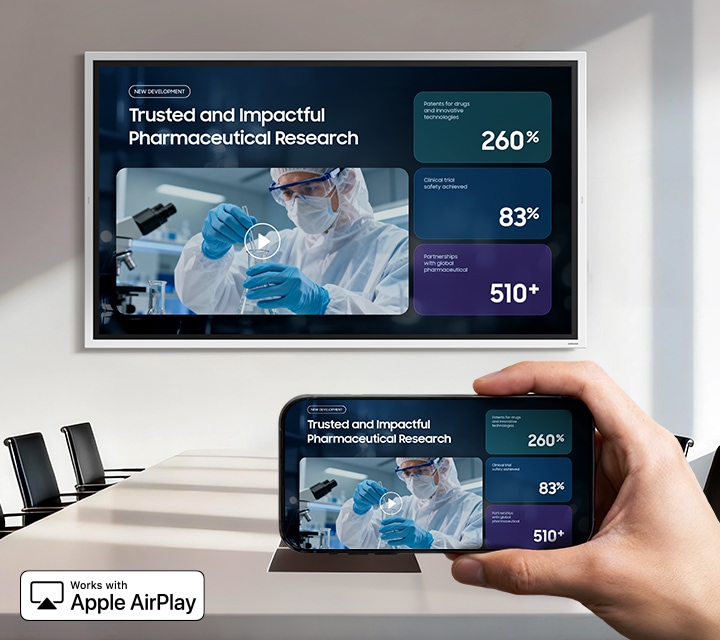
AirPlay 2
With built-in AirPlay 2, Flip allows users to share content from their iPhone, iPad, or Mac in seconds — no adapters or setup required. Whether it's a quick idea sketch or a high-resolution presentation, The Flip brings it to the room seamlessly and wirelessly.

Seamless access to your work
Workspace
With Workspace, secured by Knox, users can easily access a remote PC, network drive, or cloud-based business applications like ㅡMicrosoft 365. This keeps teams connected to their resources and workflows, ensuring smooth collaboration and continuous productivity — even outside the office network.


* There may be restrictions depending on the service provider's policies.** It is recommended to use Windows 11 Pro or a higher version for a more stable remote PC experience on Windows.
Clear and bright under challenging lighting
Anti-glare
The Flip’s 450-nit brightness ensures vivid visibility even in well-lit spaces, while the anti-glare coating minimises reflections for distraction-free collaboration. Whether in brightly lit meeting rooms or near windows, every detail remains easy to see and effortless to share.


* This is a staged image for illustrative purposes only.